
Keep the moment.
Lose the distraction.
Remove people, objects, text and logos from your videos on iPhone and iPad. Mark what to remove. Let AI rebuild the background.
Download on the App StoreFree to download. AI processing uses credits.

A cleaner clip, in three steps.
- 01
Import your clip
Choose a video from your library and trim the part you want to edit.
- 02
Mark the distraction
Use Dynamic Tracking for moving people, or Fixed Area for text and logos.
- 03
Review and save
Check the result before saving your edited video.
Follow the person.
Keep the background.
Use Auto or Brush to select a moving subject. Review the mask before processing.
Read the people-removal guide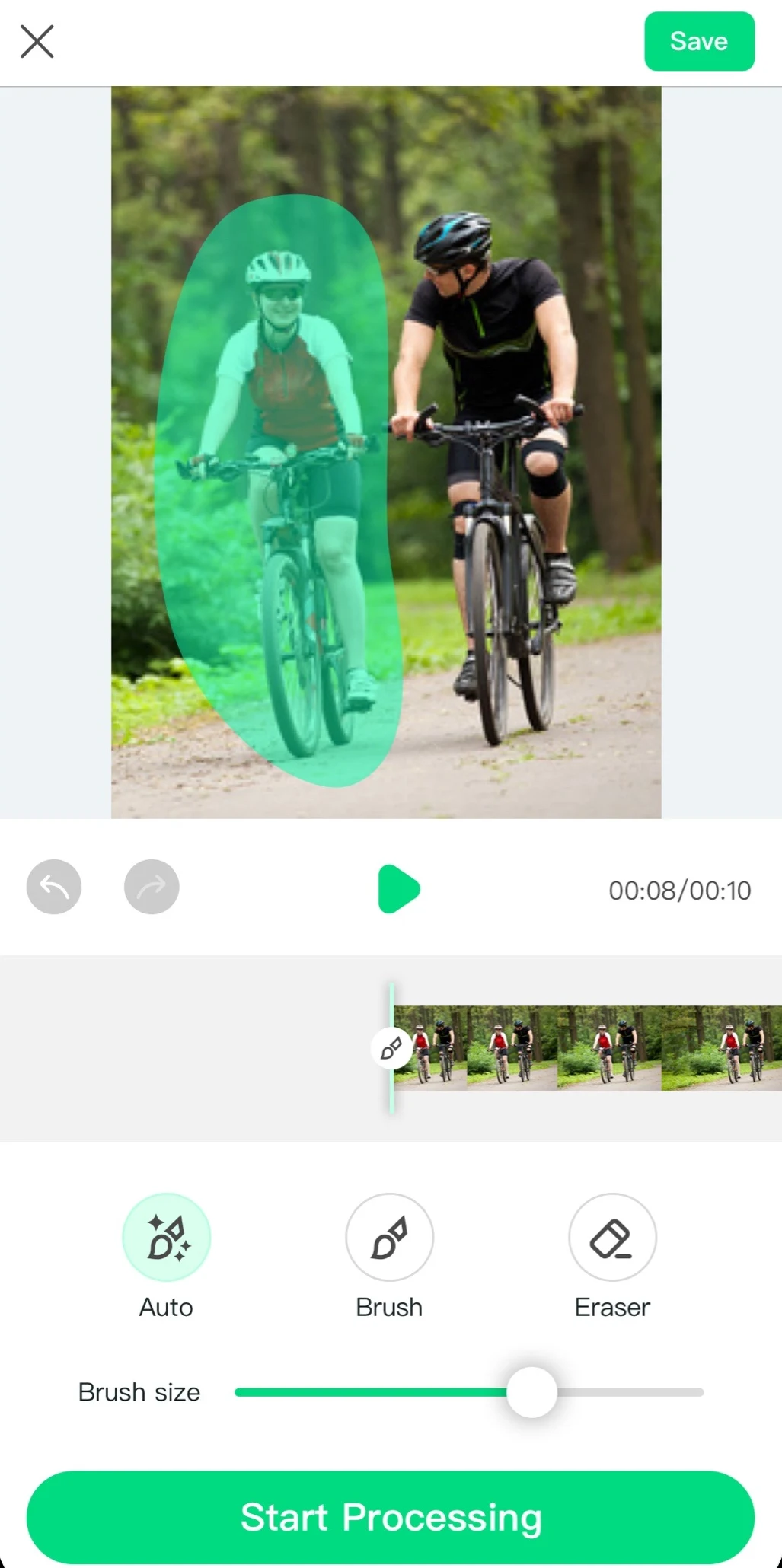
Know your clip.
Know your limits.
- iPhone & iPad
- iOS 18 or later
- Up to 60 seconds
- Current App Store version
- Cloud processing
- Internet connection required
- Credit-based AI
- Check your plan in the app
Make your next edit easier.
A few good
questions.
Is Video Eraser free?
Video Eraser is free to download. AI processing uses credits. Plans and credit packs are available in the app. Check your plan and credit balance before processing. Subscriptions renew automatically unless cancelled in your App Store settings.
Does it work offline?
No. AI removal runs in the cloud and requires an internet connection. Processing time depends on the clip, selected model and scene.
Can it remove moving people?
Dynamic Tracking follows a selected moving subject across frames. Use Auto or Brush to mark the person, review the selection, and check the processed video before saving. Results vary with movement, occlusion and background detail.
Why can a result have artifacts?
AI reconstructs the area behind your selection. Complex patterns, camera motion, overlapping people and motion blur can leave visible artifacts. Use a tighter selection and a shorter, simpler clip when possible.
How long can my video be?
The current App Store version (1.3.6) supports removal clips up to 60 seconds. Text-description removal supports up to 10 seconds, depending on the selected mode. Check the limit shown in the app before processing.
Can it remove text, subtitles or logos?
Fixed Area removal lets you select a region that stays in the same part of the frame, such as your own title, timestamp or logo. Moving text and changing subtitles can need additional edits. Only edit content you own or have permission to change.
Need help? feedback@globalpixelstudio.com
Ready to clean up your next clip?
Get Video EraserOnly edit videos you own or have permission to change.